
Q1. How do I get support for my mini PC?
A. You can write an email to help@selligion.com with your contact details and issue description. A support team expert will get in touch within 48 hours.
Q2. Can I change the operating system and will it void the warranty?
A. Yes, you are free to change the operating system. Your hardware warranty will remain valid for 1 year or 3 years, depending on your invoice date.
Q3. Can I upgrade SSD in Praho 2.1 or Praho 2.0?
A. Yes, you can upgrade the M.2 SSD up to 256GB / 512GB / 1TB, but doing so will void the warranty.
Q4. How do I reset the Abacca OS?
A. Press and hold Ctrl + Alt + R + 0 (zero) for 1–2 minutes. Wait for on-screen changes; your mini PC may restart several times during the process.
Q5. Can I upgrade RAM in Praho 2.0 (J4105)?
A. No, RAM in Praho 2.0 is not upgradeable.
Q6. Can I upgrade RAM in Praho 2.1 (N5105)?
A. Yes, RAM in Praho 2.1 can be upgraded up to 16GB DDR4 3200MHz (laptop RAM).
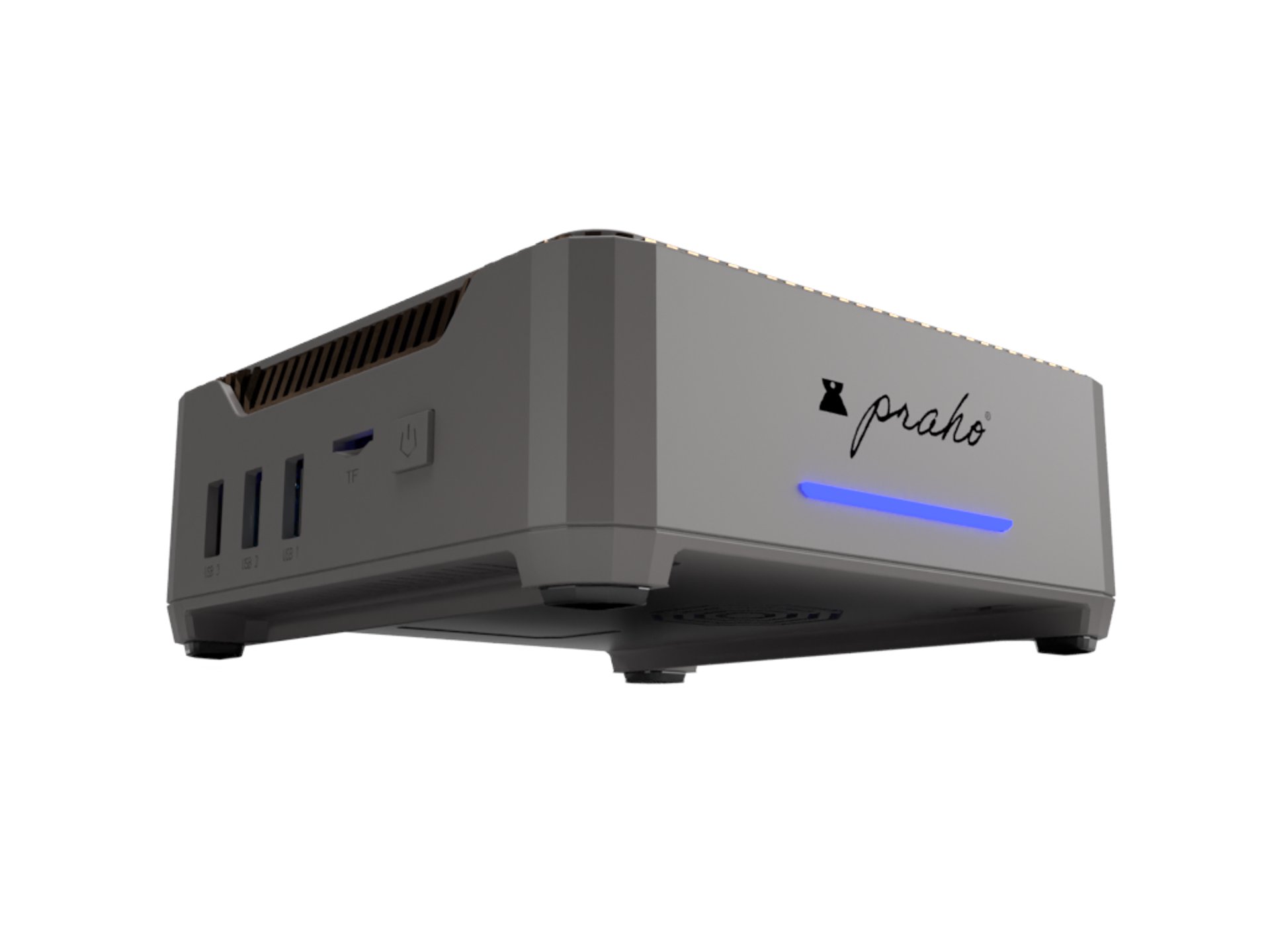
Help and Assistance: help@selligion.com